Iron County · Stage 2 guide
How to unlock Broken Frontier
Clear all six Stage 1 sectors on any difficulty, then select Stage 2 in the Campaign menu. Your saved sector clears count.
Start with one free 20-wave Red Mesa Pass run on iPhone, iPad or Android. A one-time purchase opens the full campaign and repeat runs.
Check your six Stage 1 clears
- Open the campaign. From the title screen, tap Start Campaign. With a checkpoint in progress, tap Select a Sector to open the map list.
- Win all 20 waves in each sector. The map card shows Cleared after a win. Use the Stage 1 Sectors Cleared counter on the title screen to check your progress.
- Move on to Stage 2. After your sixth clear, tap Continue to Stage 2 on the results screen. You can also use the Stage 2 tab in Campaign and select Copperhead Basin.
- Red Mesa Pass
- Breakwater Bay
- Foundry District
- Granite Divide
- Frostline Basin
- Strait of Hormuz (Ocean Operations)
If you already bought the campaign and the game asks you to unlock it again, open Unlock Campaign and tap Restore Purchases with the store account you used to buy it.
Your first run at Copperhead Basin
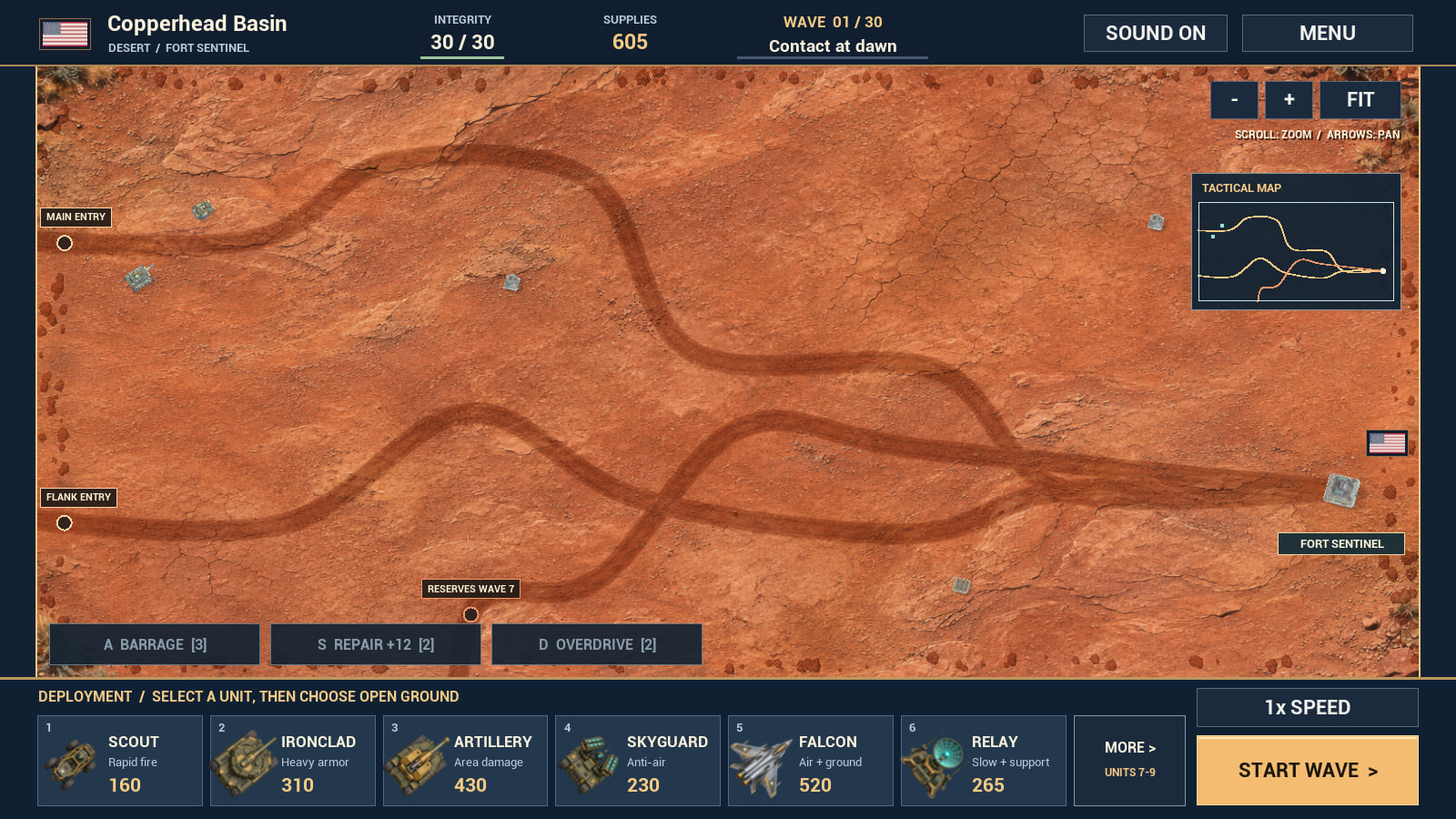
Stage 2 has six sectors with 30 waves each. A third route opens on Wave 7. Before that wave, use the tactical map to find the new approach and save enough supplies to cover it.
Use Repair when your fort is damaged or Overdrive during a wave when several defenses are firing. On mobile, drag to pan, use + and − to zoom, and tap Fit to see the whole battlefield.
Try the terrain in your browser
Play a short Red Mesa Pass, Ocean Operations, or Copperhead Basin demo. Stage 2 progress is earned in the mobile campaign.
Play a free browser demo